
What You Need to Know Before Creating Your Own Small Business Website

Building your small business website can feel like a daunting task, but with the right preparation, you can make the process smooth and even enjoyable. We’ve created a step-by-step video tutorial featuring Google Sites, Wix, Squarespace, and Shopify to guide you through the process.
👉 Click here to watch the video!
Before you dive into the tutorial, take a moment to read this blog. It outlines everything you need to prepare before building your DIY website, helping you save time and ensure your site is a success. Additionally, don’t forget to check out our Website Building Cheat Sheet with glossary terms to familiarize yourself with key concepts and ensure you’re ready to take on your DIY website project with confidence.
Things to Consider Before Building Your DIY Website
Creating a website is much easier when you start with a clear plan. Here are the key things to think about before you get started:
1. Your Website’s Purpose
Ask yourself what you want your website to achieve. Defining its purpose will guide the design and platform you choose.
● Informational Website: To showcase your services.
● Portfolio: To display your work.
● E-commerce Store: To sell products.
Each platform excels at different things—Google Sites is great for simplicity, Shopify for selling products, and Squarespace for visual appeal. Choosing the right platform depends on your website’s purpose.
2. Selecting Your Domain Name
Your domain name is your website’s address online (e.g., www.yourbusinessname.com) and is often the first impression visitors have of your business.
Here’s how to choose the right domain name:
● Keep It Simple: Choose something easy to spell and remember. Avoid numbers, hyphens, or anything overly complex.
● Reflect Your Brand: Ideally, match your business name or include relevant keywords.
● Check Availability: Use domain registration sites like GoDaddy, Namecheap, or Bluehost and Hostgater to see what’s available.
● Consider Cost: Most domains cost $10–$50 per year, depending on the extension (.com, .net, .shop, etc.).
💡 Tip: Secure your domain early to avoid losing it to someone else.
3. Branding and Design

Your website should reflect your business’s identity. Take time to define your brand style before you start designing.
● Business Name Ensure you have a clear and consistent business name. This name will be used on your website and all marketing materials. ○ Example: "Sabor de Arizona"
● Logo Have a high-quality logo that represents your business. Your logo is a visual symbol of your brand. ○ Example: A logo featuring a chili pepper for a salsa business.
● Brand Colors Choose a main brand color and a couple of complementary colors to use consistently across your website. ○ Resource: Coolors.co for generating color palettes.
○ Example: Main color: Spicy red; Accent colors: Earthy brown and green.
● Tone and Voice Decide if your brand is formal and professional or casual and friendly. This will guide your content style.
● Imagery Gather high-quality photos and images relevant to your business. These could include product photos, team pictures, or images of your business location.
💡 Tip: Save all your branding assets in one folder for easy access during website building.
4. Budget
Understand your budget before choosing a platform:
● Google Sites: Free and great for simple websites.
● Wix, Squarespace, Shopify: Offer tiered pricing plans with additional features like custom domains, advanced design tools, and e-commerce capabilities.
💡 Tip: Set a budget that aligns with your business needs and goals.
5. Key Content
Prepare the content you'll need for your website:
● Business Description Write a short description of your business, including what you do, who your customers are, and what makes your business special. ○ Example: "We make handmade salsa using local ingredients, bringing the authentic taste of Arizona to your table."
● Product/Service Information Create detailed descriptions, prices, and gather pictures for your products or services. ○ Example: "Our salsa comes in three flavors: mild, medium, and hot, priced at $7 per jar."
● Contact Information Ensure your contact information is up to date, including your business email, phone number, and physical address if applicable.
○ Example: "Email: info@sabordeaz.com | Phone: (123) 456-7890 | Address: 123 Salsa St., Phoenix, AZ"
● Content Outline Plan out the pages you'll need and what content will go on each page.
○ Homepage: Introduction to your business.
○ About Us: Your story and mission.
○ Services/Products: Details of what you offer.
○ Contact Us: How customers can reach you.
💡 Tip: Drafting this content ahead of time will make building your site faster and more efficient.
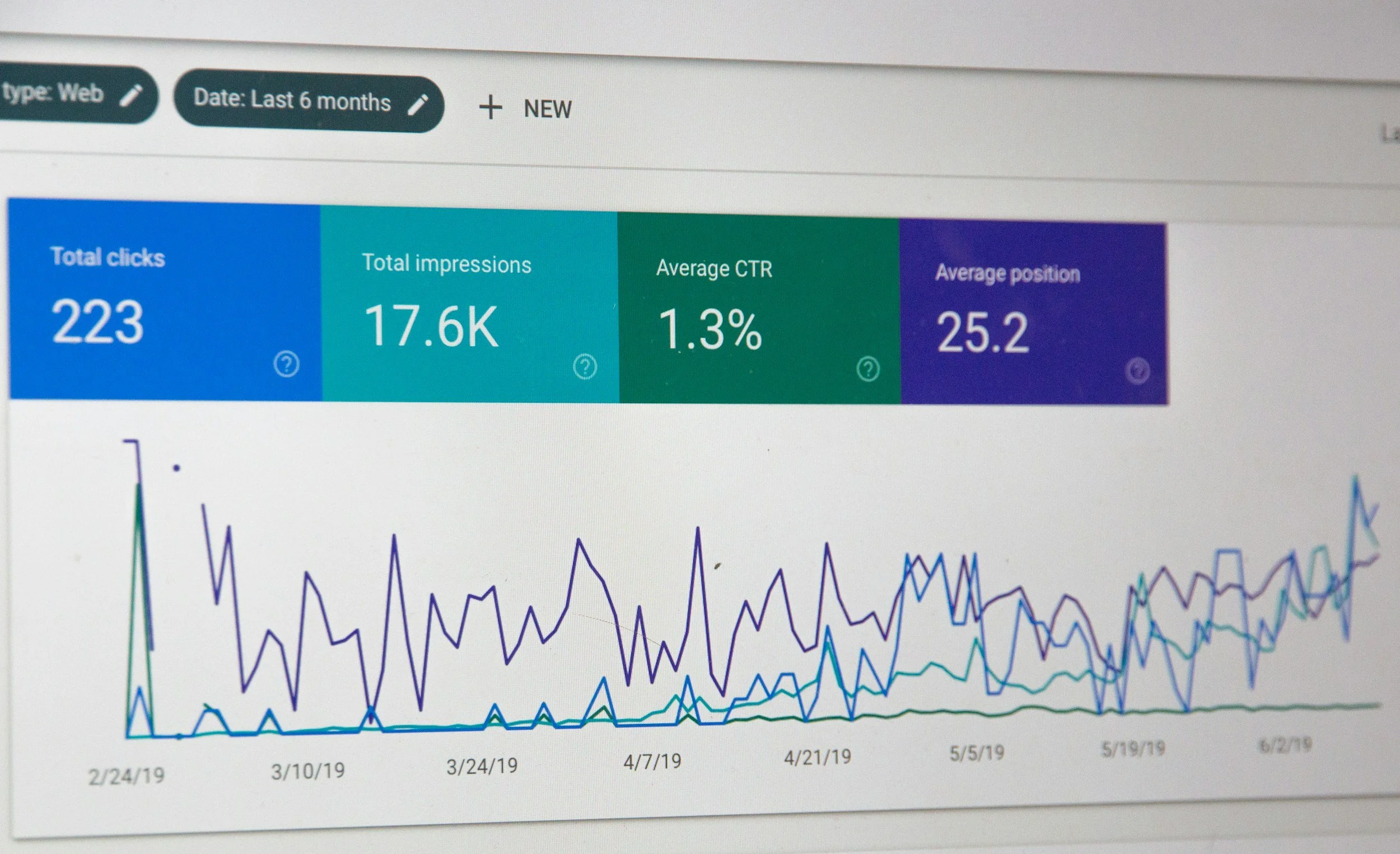
6. SEO (Search Engine Optimization) Basics
SEO helps your website appear in search results when customers look for businesses like yours.
● Research Keywords: Identify terms your target audience might use (e.g., “local bakery in [your city]”).
● Use Keywords Strategically: Include these in your domain name, page titles, headings, and meta descriptions.
● Alt Text for Images: Add descriptive alt text to your images to improve accessibility and SEO.
Optimizing your website for search engines will help customers find you more easily.
7. Social Media Links
If you have social media accounts for your business, make sure they're ready to be linked on your website.
● Example: "Facebook: facebook.com/sabordeaz | Instagram: @sabordeaz"
8. Professional Photos
Have good-quality pictures ready for your website. These could include:
● Photos of products
● Team members
● Business location
● Images from events or markets
💡 Tip: Save all images in one folder for easy access during website building.
9. Inspiration Links
List 3-5 websites that you like. These could be sites with designs, layouts, or features that you find appealing.
● Example: "I like the clean design and easy navigation of www.example.com."
This can help guide your own website's design.
Watch the Step-by-Step Video
Now that you’ve planned everything out, you’re ready to build your website! Our video tutorial walks you through creating a professional site on Google Sites, Wix, Squarespace, or Shopify.
👉 Click here to watch the tutorial!
This guide is designed for beginners and will show you how to create a functional, polished website without prior experience. If you have questions about this blog post or the step-by-step guide, feel free to reach out to our business support team, we’re here to help point you in the right direction and ensure you feel confident throughout the process.
👉 Click here find a web design partner on the Local First Arizona Business Directory.

Vanessa Castillo Bell | Senior Business Development Manager, Local First Arizona
As Senior Business Development Manager at Local First Arizona, I lead a team providing technical assistance to small businesses across Arizona. I support grants, oversee strategy, and foster partnerships, ensuring resource delivery supports underserved entrepreneurs. Fluent in English and Spanish, I’m dedicated to empowering small businesses for sustainable growth.